 Damon Nelson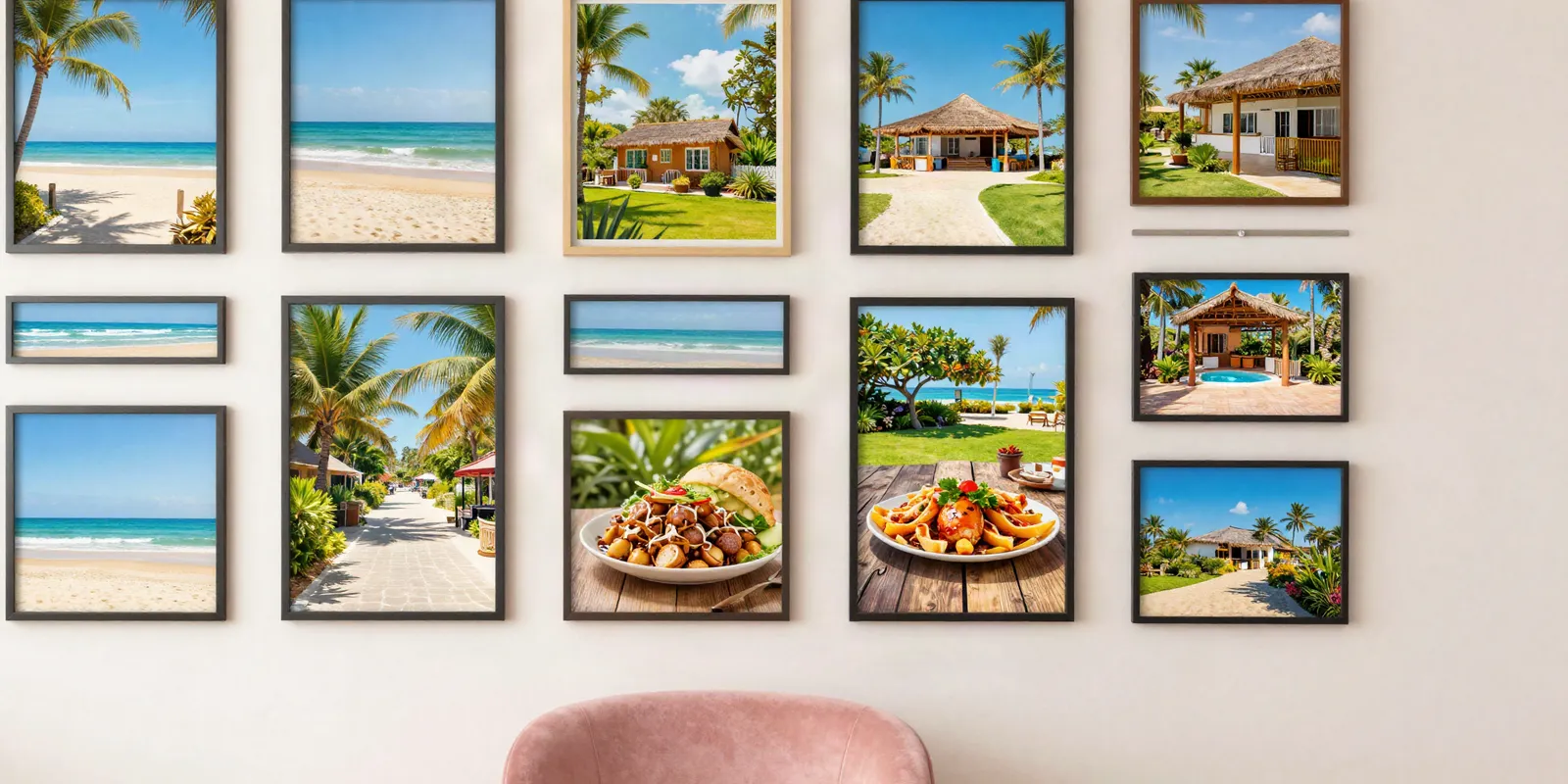
A text link tells people what a page is. An image link makes them want to see it. Most sites lean on one kind and forget the other, and that leaves readers on the table.
What a text link says out loud
A text link is a few words you can click. Those words are called anchor text, and Google's own guide to links says they tell people and Google something about the page on the other end.
Good anchor text is descriptive, reasonably short and relevant to the page it points to. "Click here" says nothing. "Easy weeknight pasta recipes" says exactly what you'll get.
Text links shine inside sentences. The words around them add context, so a reader knows why the link matters before they click.
What an image link does that words can't
Now picture a grid of cards or a photo gallery. Nobody reads a gallery. People scan the pictures and click the one that catches their eye.
A bright photo of a finished garden can pull a click that a plain sentence never would, because the reader wants to see more.
A picture can't explain itself to a search engine. That's the job of alt text: a short written description of the image, tucked into the page's code. The same Google guide says that when an image is a link, Google uses its alt text as the anchor text.
Google's image guidelines go further and call alt text the most important attribute for describing an image. It also makes your page easier to use for people who can't see images.
Leave the alt text empty on an image link with no words beside it, and Google holds that up as a bad example.
How to use both without overthinking it
- Inside your paragraphs: use text links with descriptive words that match the page you're sending people to.
- In cards, grids and galleries: use image links, and give every one real alt text that describes the picture.
- Never: leave an image link with empty alt text.
Each kind reaches readers the other misses. The skimmer stops for a picture. The careful reader clicks the words.
That's why every BoosterPages pin carries both. Your featured image becomes an image link, and a static text link carries your post's title, both pointing to the same post. Each pin is built from your title, featured image and short description, and it sits on a Pinterest-style niche site in a category that matches your topic.
Once you stop picking one kind of link and start pairing them, every post gets a fair shot at both readers: the one who reads and the one who looks.